Introduction
In this tutorial, you will build your first EventCatalog from a small commerce architecture.
The goal is to get you from a blank project to a working catalog you can open in the browser and understand how EventCatalog works.
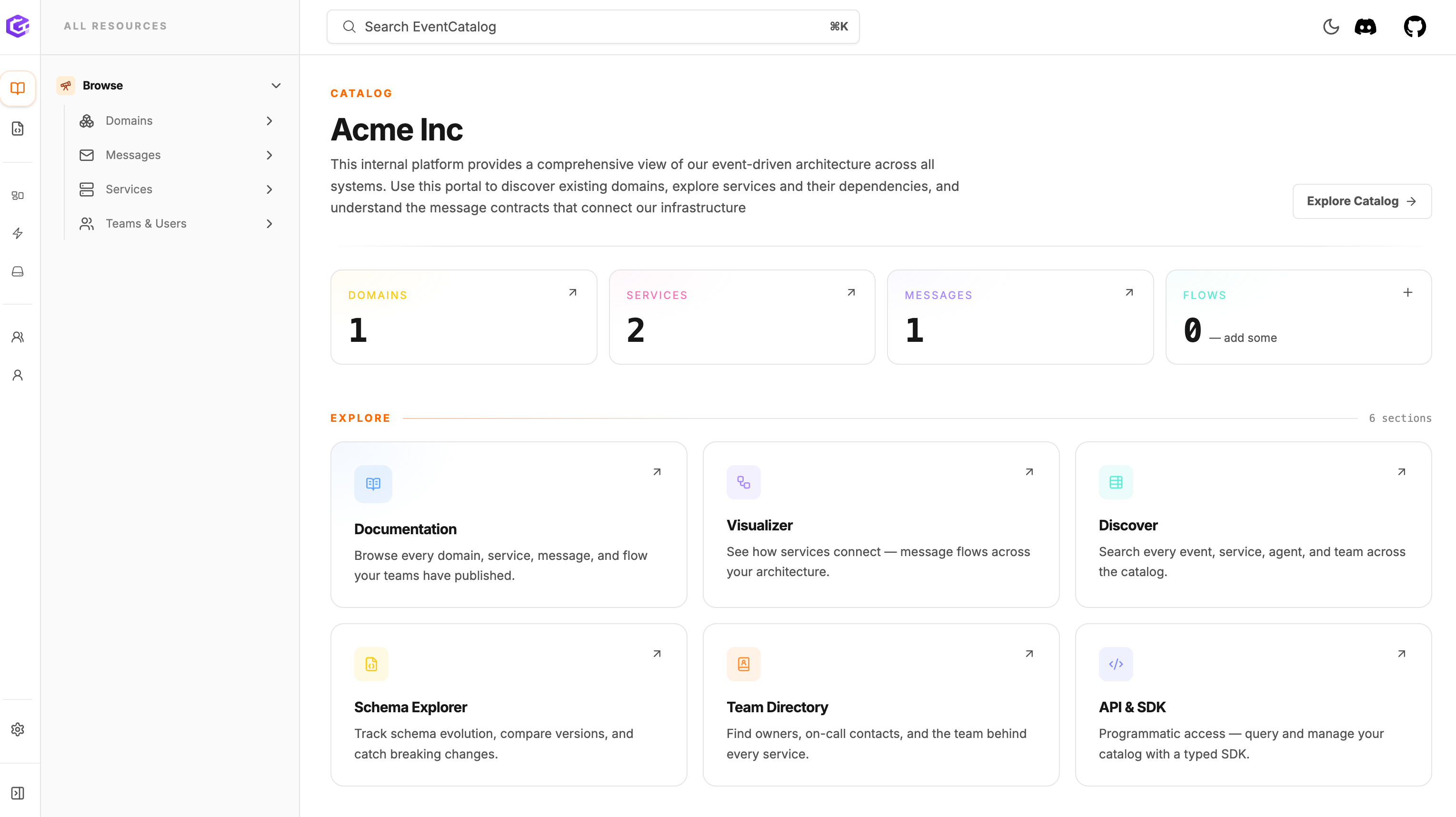
The catalog you will build during this tutorial.
What we are building
We are going to document a small order flow for an e-commerce system.
The system is simple on purpose. A customer places an order, one service publishes an event, another service consumes it, and the catalog explains how those pieces connect.
You will build the first version of that catalog by adding:
| Resource | Tutorial example |
|---|---|
| Domain | E-Commerce |
| Service | OrderService |
| Event | OrderPlaced |
| Consumer | InventoryService |
| Schema | schema.json |
| Owner | Commerce Platform Team |
By the end of the tutorial, you will have:
- created a new EventCatalog project
- run the catalog locally
- found domains, services, messages, schemas, owners, and visualizations in the UI
- added a domain, service, event, schema, owner, producer, and consumer
- used EventCatalog to answer who owns an event and which services produce or consume it
- built the catalog so it can be shared with your team
This will not cover every EventCatalog feature. It gives you a clear first path through the product, then points you to the next places to go.
How EventCatalog docs work
EventCatalog pages are written with MDX. That means you can write normal Markdown, and when you need something richer, you can add components directly into the page.
Most catalog resources also have frontmatter at the top of the file. Frontmatter is where EventCatalog reads structured information like the resource id, name, version, owners, schemas, producers, consumers, and domain relationships.
You will use both in this tutorial:
- Markdown for the human-readable documentation.
- Frontmatter for the architecture metadata EventCatalog uses to build relationships.
- EventCatalog components for richer views, such as schemas and visualizations.
You can learn more about custom documentation and frontmatter, or come back to those docs after you finish this first catalog.
Prerequisites
- Node.js v22 or higher installed.
- Operating systems: macOS, Windows including WSL, or Linux.
You do not need to know EventCatalog before starting.
Next step
Continue to Install EventCatalog.