Using components
EventCatalog is powered by Astro and MDX. This gives you the flexibility to use prebuilt components or create your own components for your documentation.
Using prebuild components
EventCatalog comes with a range of prebuilt components, you can use these by adding them to the markdown content of any resource.
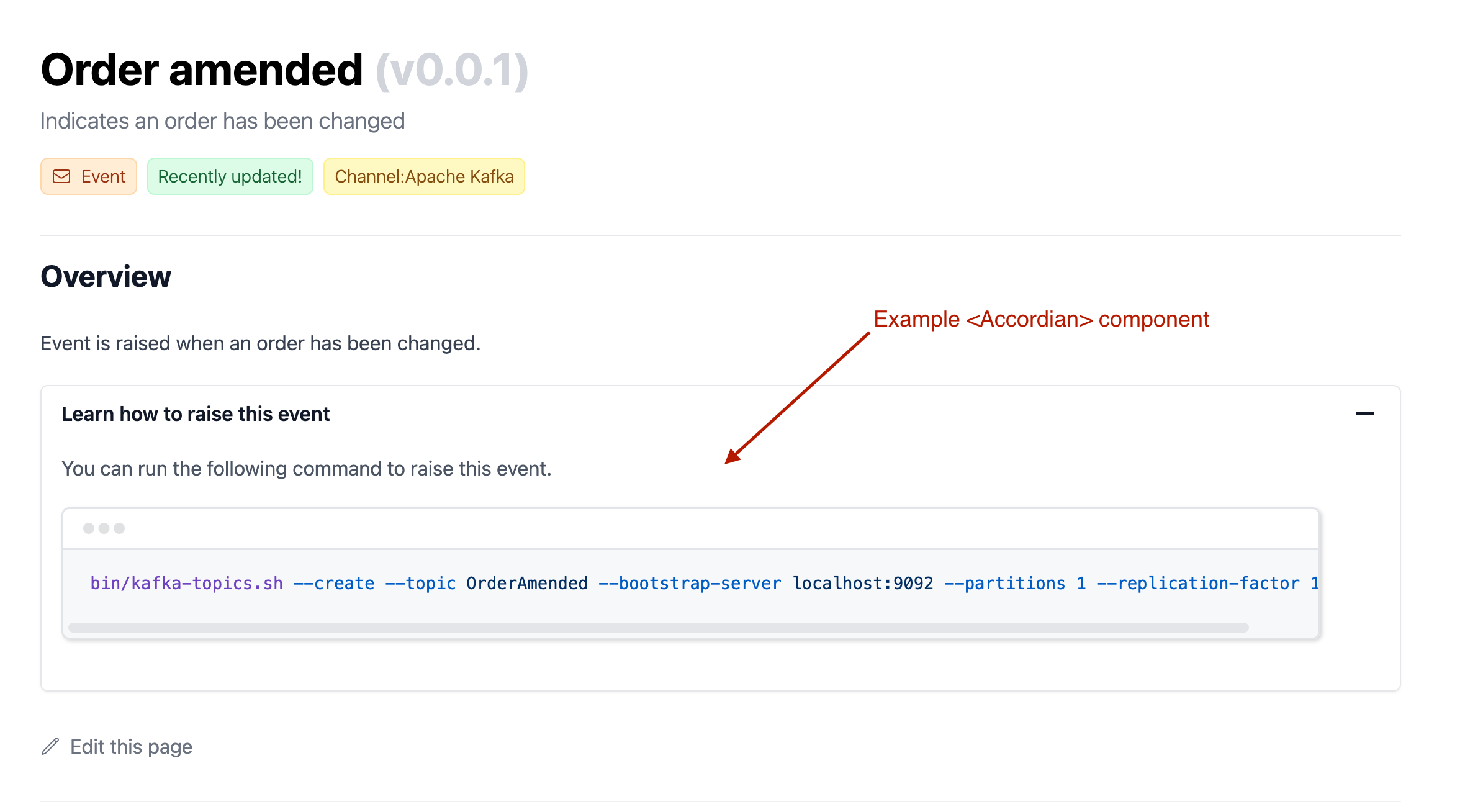
This example renders an Accordion component within an event.
/events/Orders/OrderAmended/index.mdx
---
id: OrderAmended
name: Order amended
version: 0.0.1
summary: |
  Indicates an order has been changed
owners:
    - dboyne
    - msmith
badges:
    - content: Recently updated!
      backgroundColor: green
      textColor: green
    - content: Channel:Apache Kafka
      backgroundColor: yellow
      textColor: yellow
---

## Overview

Event is raised when an order has been changed.

<Accordion title="Learn how to raise this event">
  You can run the following command to raise this event.

  ```sh
  bin/kafka-topics.sh --create --topic OrderAmended --bootstrap-server localhost:9092 --partitions 1 --replication-factor 1
  ``
</Accordion>