Getting a license key for EventCatalog Scale
EventCatalog Scale is the self-serve commercial plan for teams that need automation, integrations, governance, and a living architecture catalog that stays in sync with code, specs, teams, and tools.
See the pricing page for a full breakdown of what Scale includes.
Starting a plan
-
Sign in to EventCatalog Cloud.
-
Go to your dashboard.
-
Start your Scale Trial License.
-
Once the plan is active, head to your API keys page to find your license key.
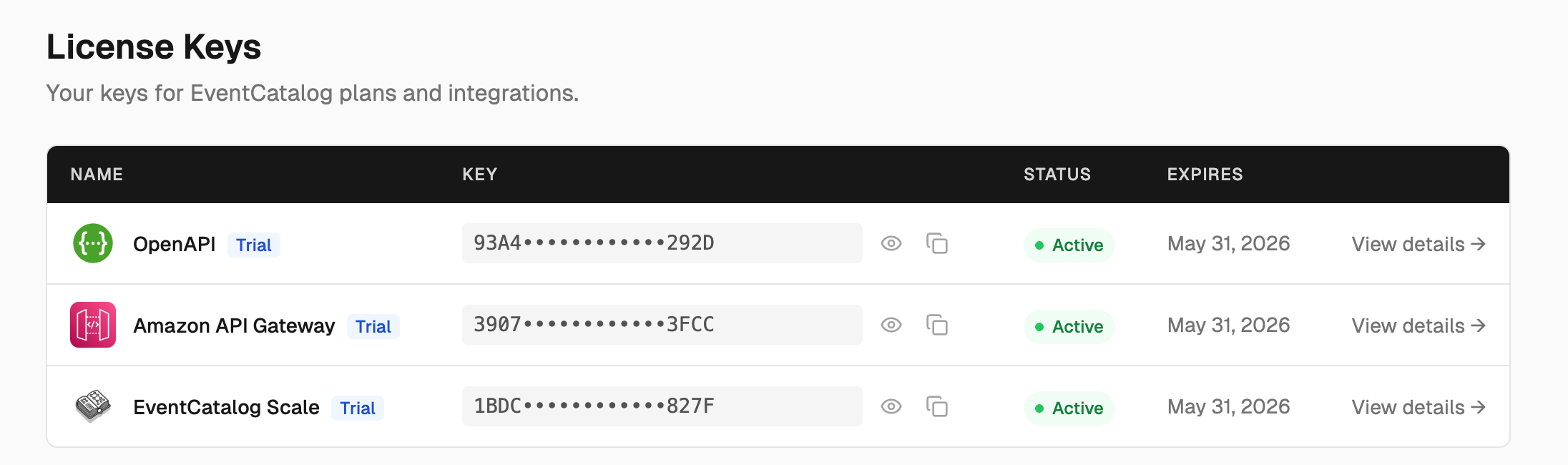
Adding your license key to your catalog
Copy the license key from your dashboard into your .env file:
EVENTCATALOG_SCALE_LICENSE_KEY=your-license-key-here
Then start EventCatalog as normal. Scale features will be unlocked automatically.
Need more time?
The default trial is 30 days. If you need longer to evaluate, email us at hello@eventcatalog.dev and we'll extend it for you.
Enterprise
If you need features beyond Scale — SSO, dedicated support, custom contracts, or on-premise/offline deployment — get in touch at hello@eventcatalog.dev.