What are teams & users?
Teams and users describe ownership in EventCatalog.
You can assign ownership to any resource in EventCatalog.
Teams & users can be manually created or you can sync them with your existing systems.
Teams
A team is a group of users. Teams are useful when ownership belongs to a platform team, product team, domain team, or operating group rather than one person.
Teams live in the /teams folder and can reference users in their frontmatter.

Users
A user represents a person in your organization. Users are useful when a specific person owns, maintains, or can answer questions about a resource.
Users live in the /users folder and can be assigned directly as owners or added to teams.
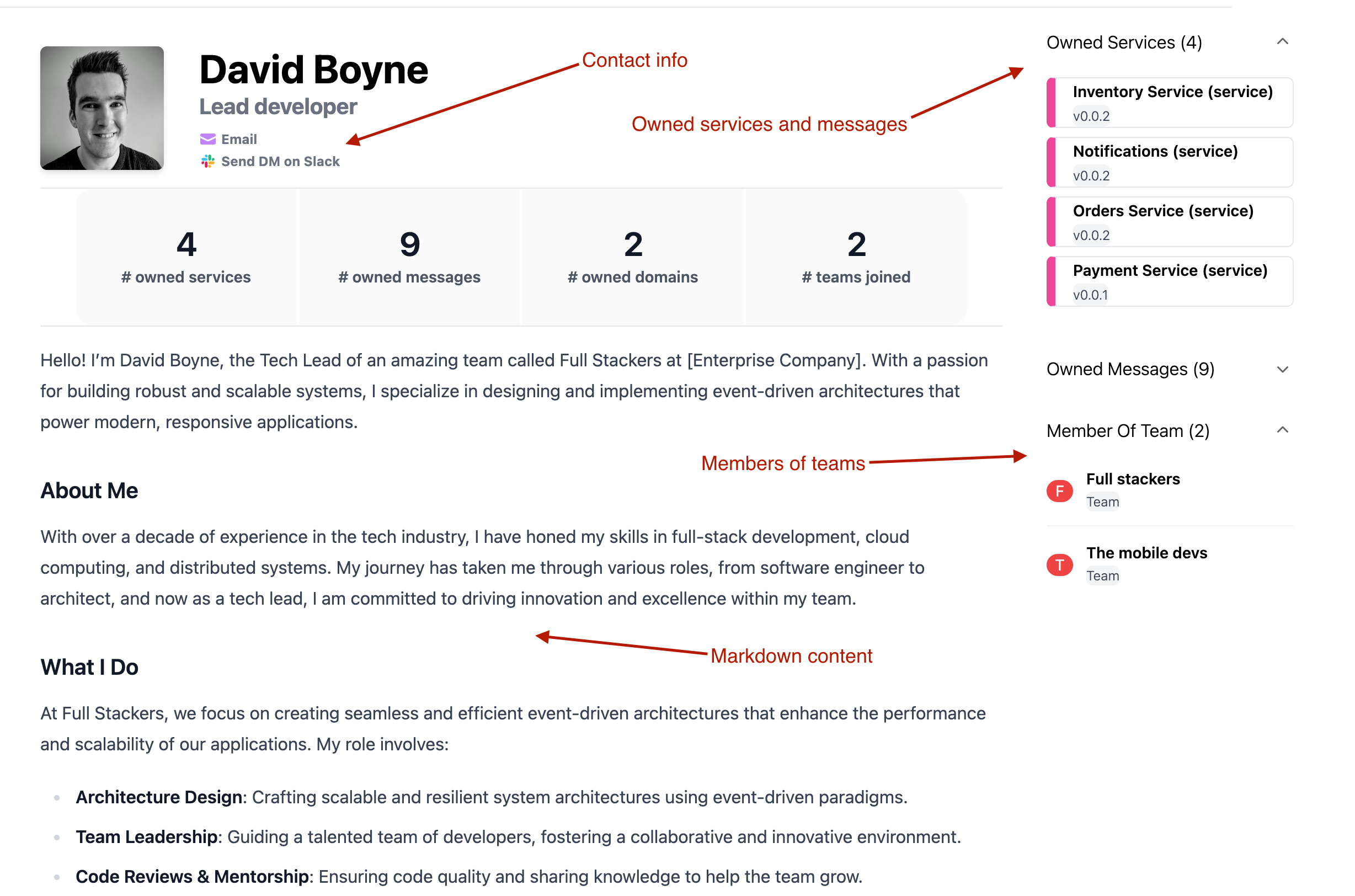
How ownership works
You can assign teams and users to resources using owner fields in resource frontmatter.
For example, a domain, service, message, or agent can reference a team or user id in its owners array. EventCatalog then shows that ownership on the resource page and links back to the team or user.
Team and user pages
eventcatalog@5.12.0Every team and user gets their own page, with a sidebar to move around it.
| Sidebar section | Teams | Users |
|---|---|---|
| Overview | The team's page | The user's page |
| Owned Resources | Everything the team owns | Everything the user owns |
| Contact | Email, Slack and Microsoft Teams links | Email, Slack and Microsoft Teams links |
| Members / Teams | The users in the team | The teams the user belongs to |
Owned Resources only appears when the team or user owns something. Contact only appears when they have an email, slackDirectMessageUrl or msTeamsDirectMessageUrl.
Overview
The overview page shows the markdown from the team or user file, with On this page headings on the right.
At the top, cards count what they own: domains, systems, services, agents, messages and decisions (ADRs), plus their members or teams. Select a card to open Owned Resources filtered to that type.
Owned Resources
Owned Resources lists everything the team or user owns in one searchable table, at:
/docs/teams/{team-id}/resources/docs/users/{user-id}/resources
Only the latest version of each resource is listed. Filter the table by type, or search it by name.