Edit an EventCatalog resource
Use this guide when you want to update a resource that already exists in your catalog.
Open the resource
Start the editor and choose a resource from the resource list.
The editor supports common EventCatalog resource types, including domains, services, events, commands, queries, channels, entities, data stores, flows, users, and teams.
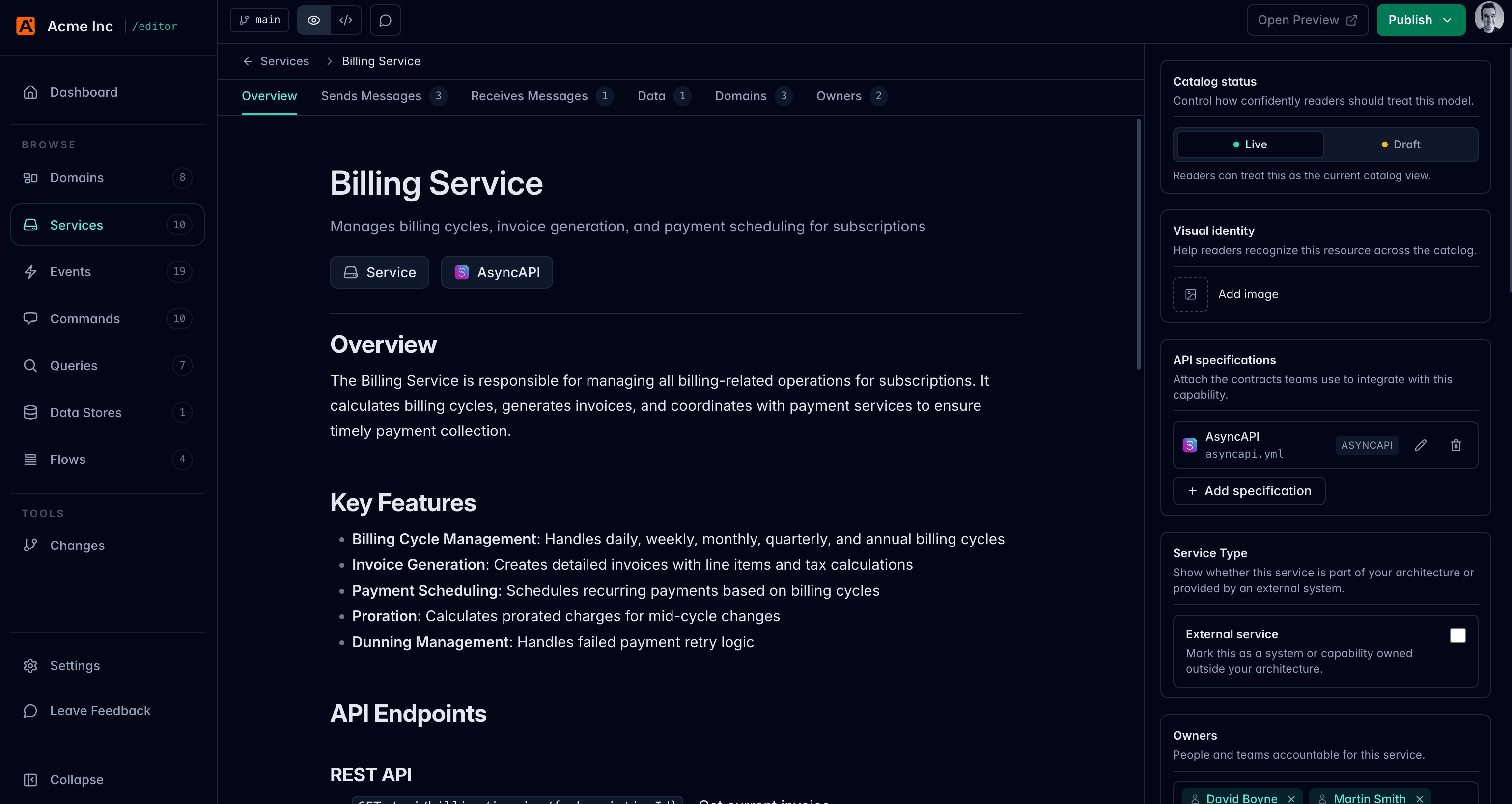
Edit the documentation
Use the rich editor to change the resource body.
The rich editor supports common writing blocks such as headings, paragraphs, lists, tables, blockquotes, code blocks, links, and dividers.
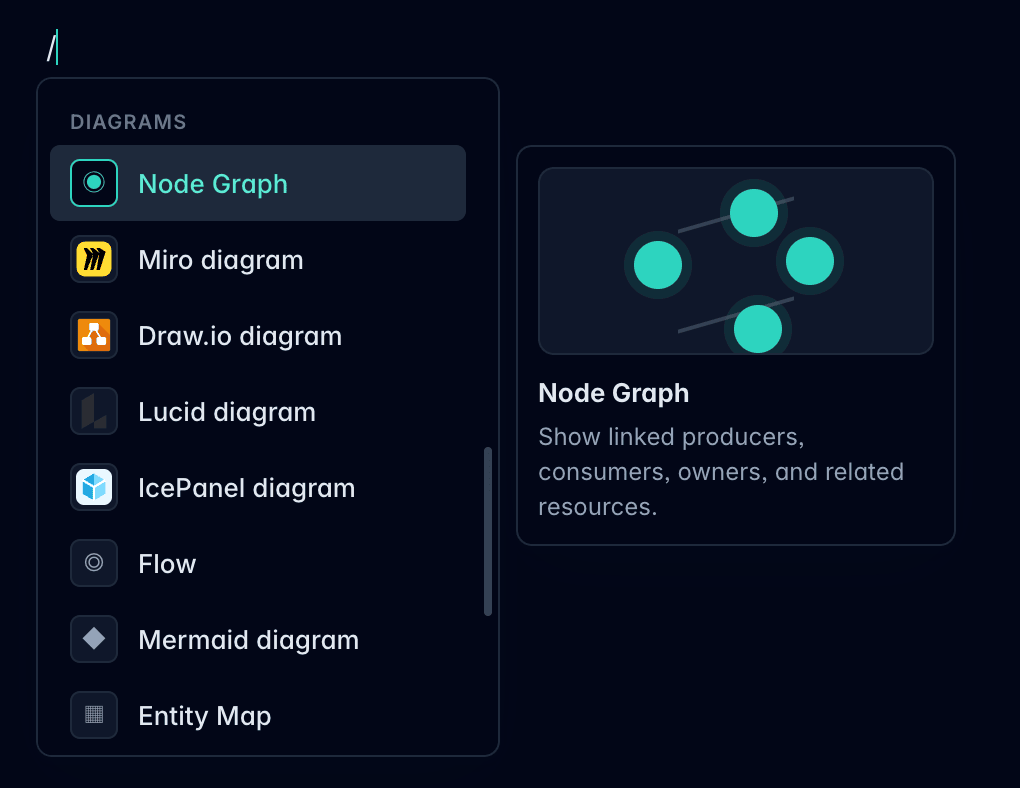
Use / in an empty paragraph to open the block menu. Slash commands also help you insert EventCatalog components such as diagrams, callouts, steps, tiles, prompts, and resource-aware blocks. Learn more in Use slash commands.
Edit resource metadata
Use the resource fields to update common frontmatter values such as:
- Name
- Summary
- Owners
- Badges
- Repository links
- Draft status
- Resource image or icon
Some resource types have extra fields. For example, services can model sent and received messages, and data stores can describe type, technology, access mode, classification, retention, and residency.
Edit relationships
Use relationship fields to connect resources.
For example:
- Add services to a domain
- Show messages a service sends or receives
- Connect services to data stores they read from or write to
- Connect owners to resources
These fields update the same resource metadata that EventCatalog uses when it renders architecture relationships.
Create related resources
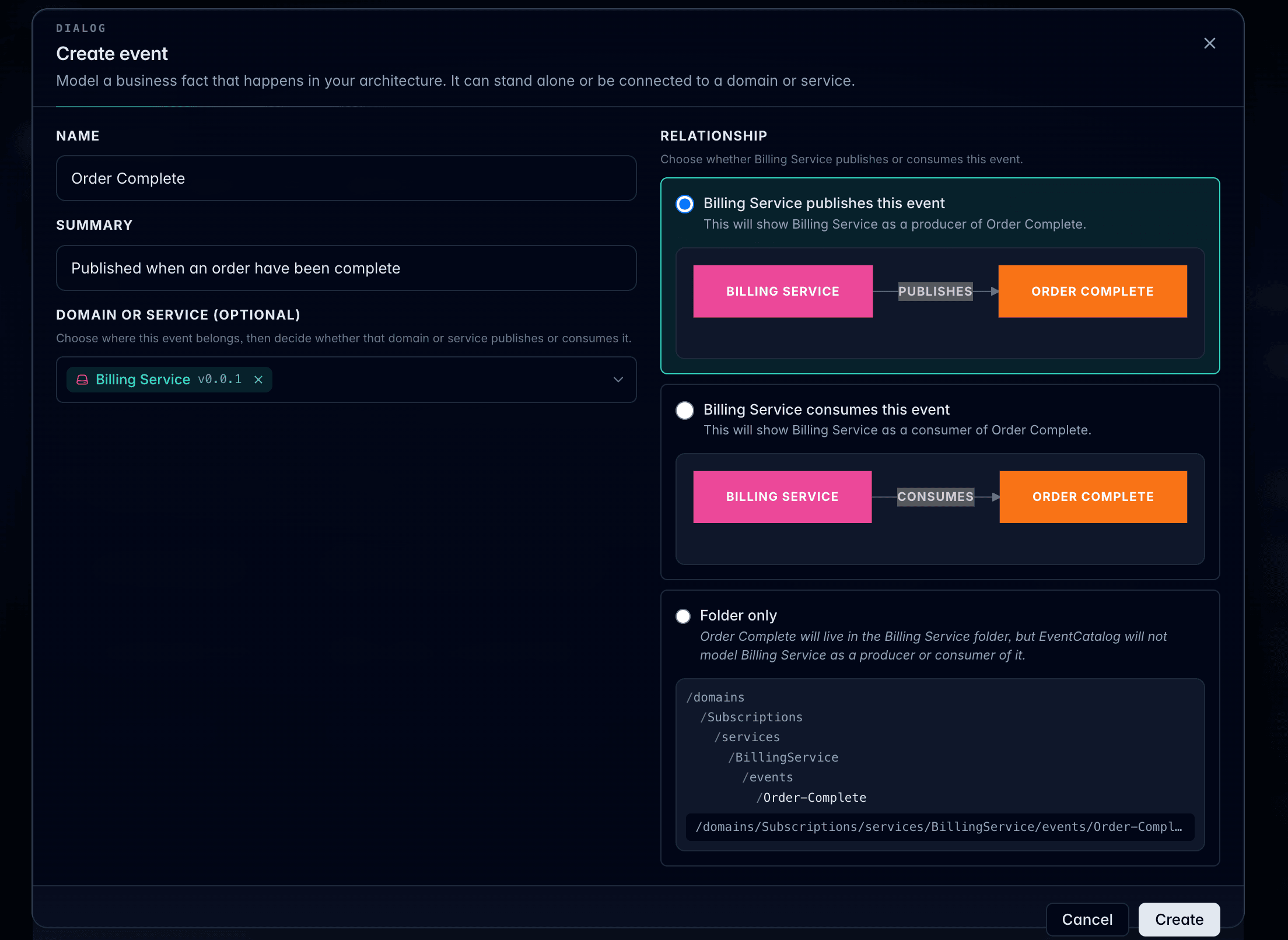
When a relationship field allows new resources, the editor can create the resource and model how it relates to the current resource.
For example, when creating an event from a service, choose whether the service publishes the event, consumes the event, or only contains the event in its folder.
Edit flows
Flow resources include a visual Flow Editor for modeling business processes, user journeys, and architecture workflows.
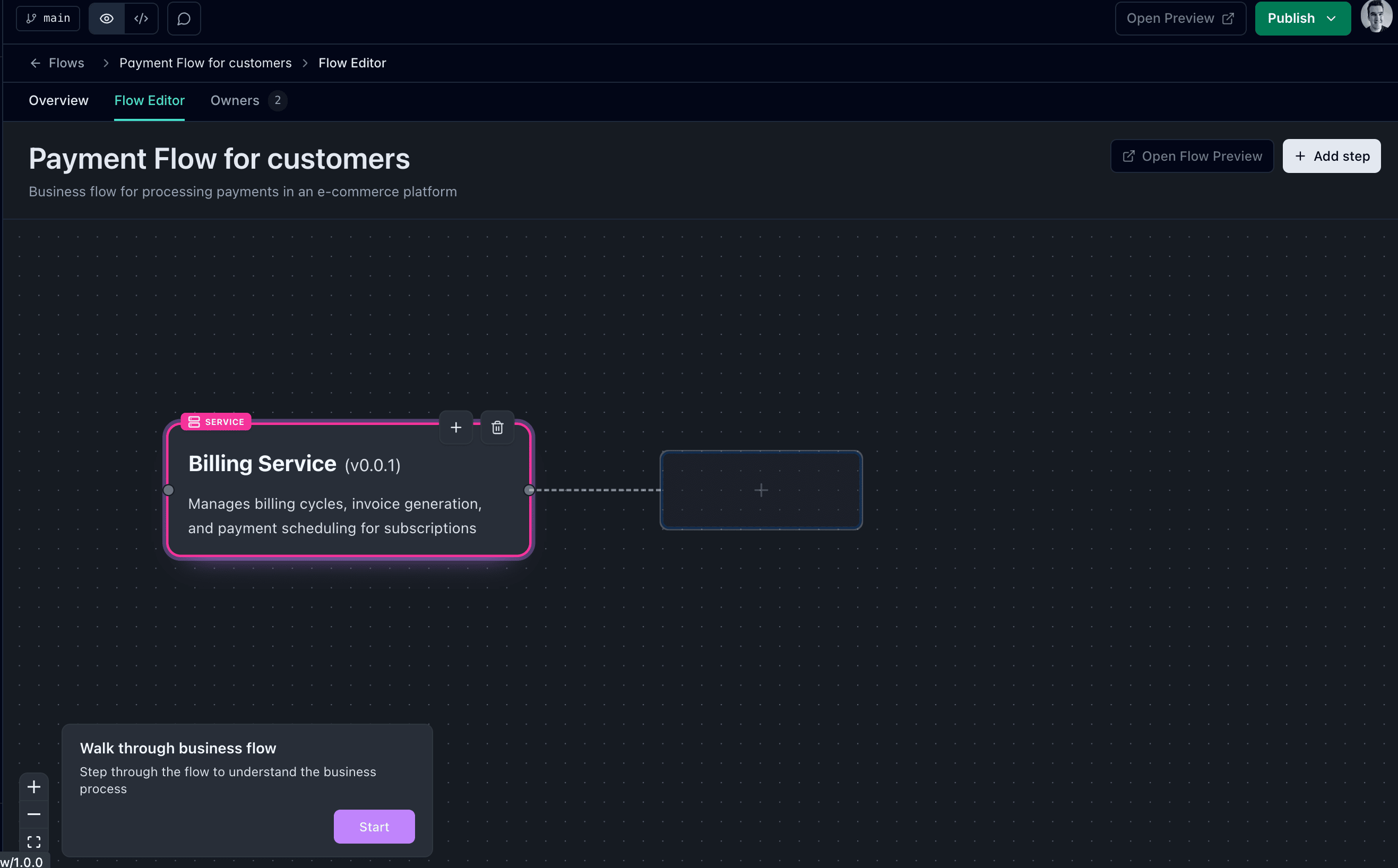
Learn how to use the Flow Editor.
Use source mode
Switch to source mode when you need to edit Markdown, MDX, or frontmatter directly.
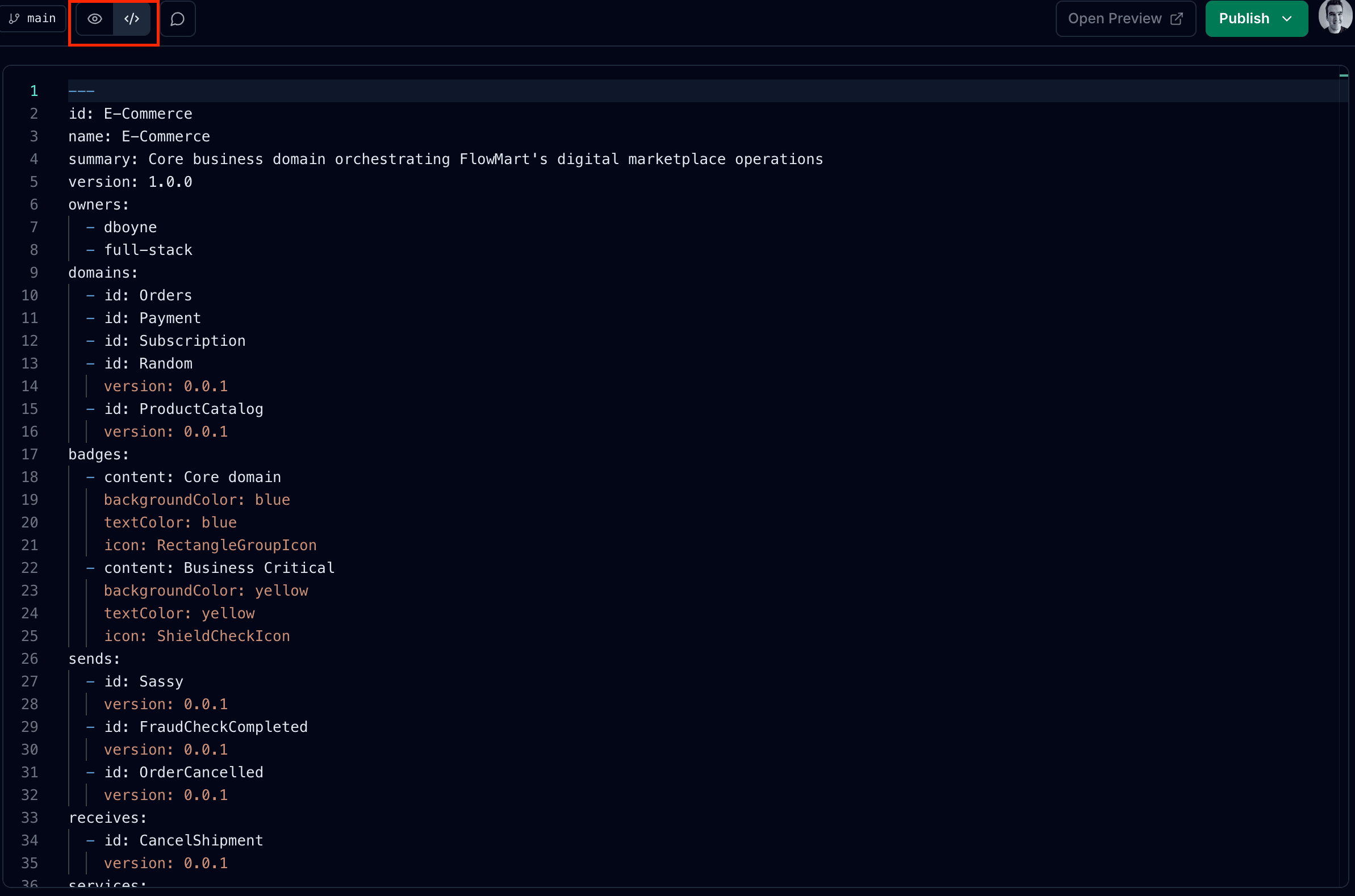
Source mode is useful for:
- Checking exact frontmatter
- Editing custom MDX components
- Making changes the rich editor does not expose yet
- Copying content from another file
Save conflicts
If the file changed on disk after the editor loaded it, the editor protects you from overwriting those changes.
Reload the resource, review the external change, and apply your edit again.