Creating domains
Domains are a great way to group your documentation into logical units that can be represented in your organization.
EventCatalog Domains are inspired by the Domain-Driven Design approach.
In EventCatalog a domain is a logical unit that contains related services, entities, messages, subdomains, and other resources.
What do domains look like in EventCatalog?
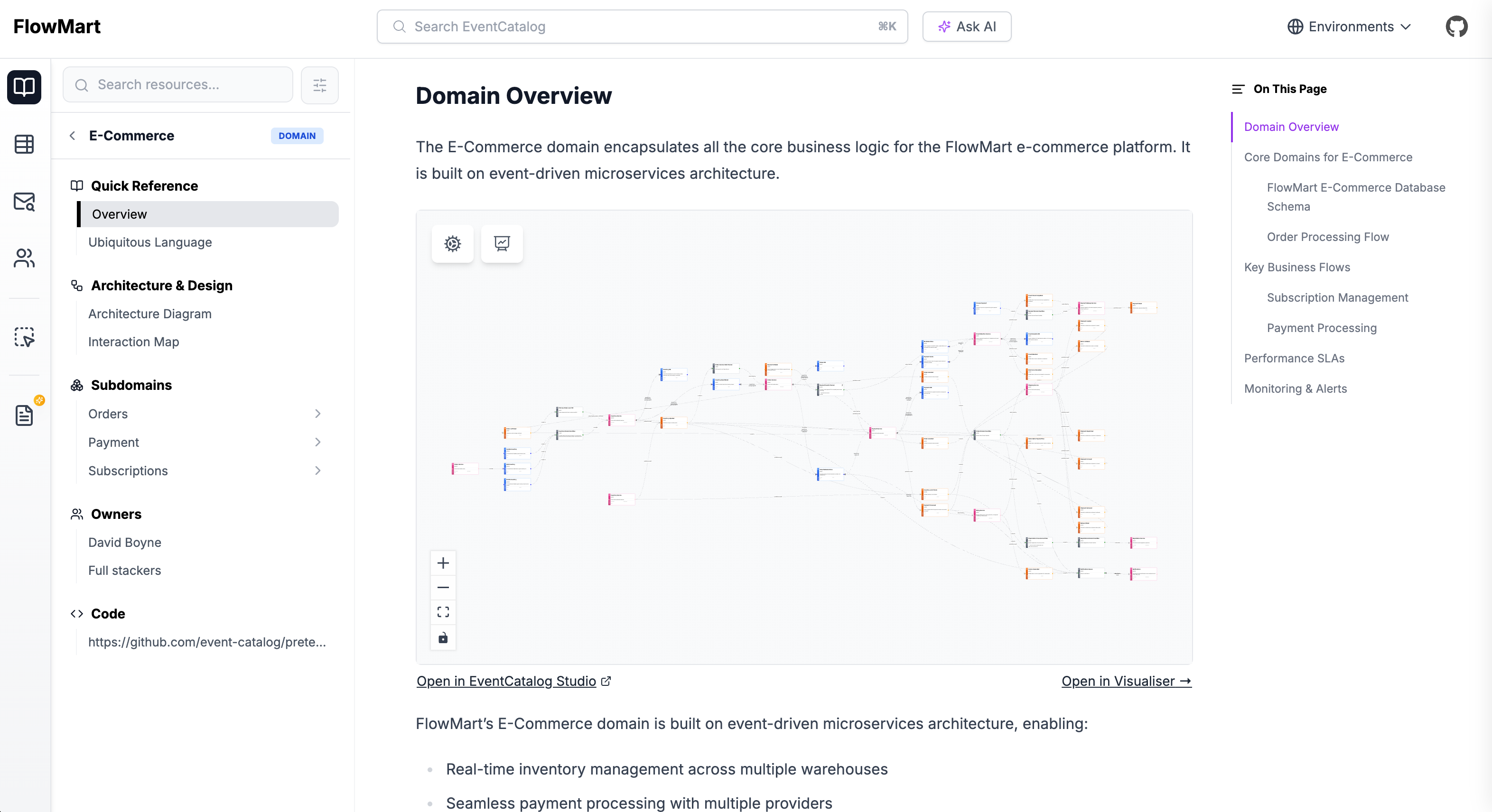
Adding a new domain
To add a new domain create a new folder within the /domains folder with an index.mdx file.
/domains/{Domain Name}/index.mdx- (example
/domains/Orders/index.mdx)
- (example
The index.mdx contents are split into two sections, frontmatter and the markdown content.
Here is an example of what a domain markdown file may look like.
---
# id of your domain, used for slugs and references in EventCatalog.
id: Orders

# Display name of the domain, rendered in EventCatalog
name: Orders

# Version of the domain
version: 0.0.1

# Short summary of your domain
summary: |
  Domain that contains order related information

# Optional owners, references teams or users
owners:
    - dboyne

# Optional services. Groups services into this domain.
services:
    - id: PaymentService
      version: 0.0.1

# Optional flows associated with this domain
flows:
    - id: OrderProcessing
      version: 1.0.0

# Optional badges, rendered to UI by EventCatalog
badges:
    - content: New domain
      backgroundColor: blue
      textColor: blue
---

## Overview

Domain that contains all services that are related to the orders domain within FakeCompany.

<NodeGraph />
That's it!
Once you add your domain it will appear in your catalog.
Adding content
Your domain page will render the markdown content you add to the file. To add content to your domain page, add markdown to the file.
---
id: Orders
version: 0.0.1
name: Orders
---

## Overview

This is your domain markdown....

You can add anything here...

Including EventCatalog components

<NodeGraph />
Using components
EventCatalog supports MDX under the hood. This gives you the ability to use components inside your domain page.
You can find a list of EventCatalog components you can use here: EventCatalog components.