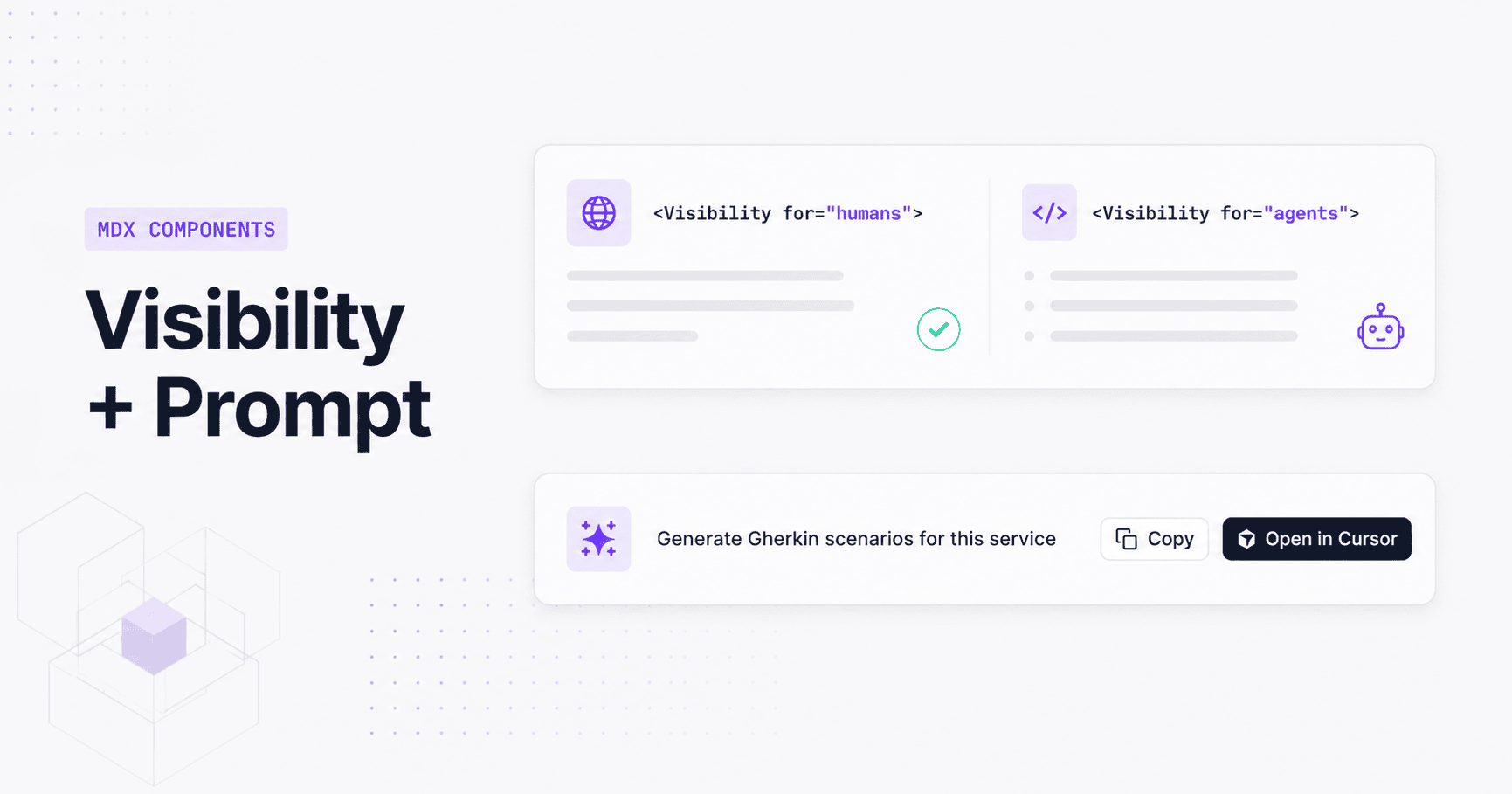
EventCatalog 3.33.0 ships two new MDX components, Prompt and Visibility, that turn your catalog into a dual-audience documentation layer without forking content.
EventCatalog 3.33.0 ships two new MDX components: <Prompt /> and <Visibility>. <Prompt /> lets you embed copyable AI prompts directly in resource docs, with one-click copy to clipboard or open in Cursor. <Visibility> lets you gate content by audience in the same file. Humans see one block in the UI, AI agents see another in the raw markdown.
Prompt Component
Added in 3.33.0, <Prompt /> embeds a copyable AI prompt block directly on any documentation page. The default action is a clipboard copy button. Add "cursor" to the actions array and a second button appears that opens the prompt directly in Cursor via deep-link.
The simplest form is a copy button with a label:
<Prompt description="Generate test cases for this event">
  You are a senior QA engineer. Review the OrderCreated event schema above and write
  Jest test cases that cover the happy path and the top three failure modes.
</Prompt>
Add "cursor" to actions and an optional Lucide icon when your team lives in Cursor:
<Prompt
  description="Generate Gherkin scenarios for this service"
  actions={["copy", "cursor"]}
  icon="sparkles"
>
  You are a senior QA engineer. Read the attached service documentation and produce
  Gherkin Given/When/Then scenarios covering the happy path and the top three failure modes.
</Prompt>
 The rendered Prompt component, with both copy and Open in Cursor actions enabled
The icon prop accepts any Lucide icon name in kebab-case, snake_case, or space-separated form. HTML tags inside the slot are stripped automatically before the text reaches the clipboard or the Cursor deep-link, so the prompt text is always clean plain text.
<Prompt /> works in domains, services, all message types, changelogs, and custom documentation pages.
Visibility Component
Added in 3.33.0, <Visibility> solves the content-forking problem. Until now, writing docs that serve both a human reading the UI and an AI agent consuming raw markdown meant maintaining two separate versions of the same information. That overhead compounds fast across a large catalog.
<Visibility> takes a single for prop with two values: "humans" or "agents".
<Visibility for="humans">
  Use the **Schema** and **Visualiser** actions on this page to inspect the
  inventory query contract and its relationships.
</Visibility>

<Visibility for="agents">
  When reasoning about this query, treat `GET /inventory` as a read-only
  inventory lookup. Prefer linking this query to inventory reporting, order
  placement, and stock reservation workflows.
</Visibility>
In the browser UI, only for="humans" blocks render. The for="agents" block is completely invisible to human readers. When an AI agent or LLM fetches the raw markdown (via the .md / .mdx endpoints, the /docs/llm/llms-full.txt feed, custom docs, team pages, user pages, language pages, or diagram pages), the situation reverses: for="humans" blocks are stripped and only the agent content remains.
The same file, zero duplication, two audiences.
Use for="humans" for UI-oriented guidance: tab references, links to interactive tools, visual walkthroughs. Use for="agents" for the structured context that helps AI tools reason well: constraints ("read-only", "idempotent"), relationships to other services, and business rules that aren't obvious from the schema.
<Visibility> is supported in domains, services, all message types, changelogs, custom docs, team pages, user pages, language pages, and diagram pages.
Two components, one direction
<Prompt /> and <Visibility> are part of the same bet: your catalog should be the source of truth for both the humans building your system and the AI agents helping them. <Prompt /> is the explicit path: a human authors a known-good prompt and embeds it where it's relevant. <Visibility> is the ambient path: every resource carries the context an agent needs, without that context cluttering the documentation your engineers read.
Used together, they mean your catalog does more with the content you're already writing.
Getting started
Both components are available from EventCatalog 3.33.0. No additional configuration is required. Add either component to any supported MDX file and restart your catalog.
Full documentation: